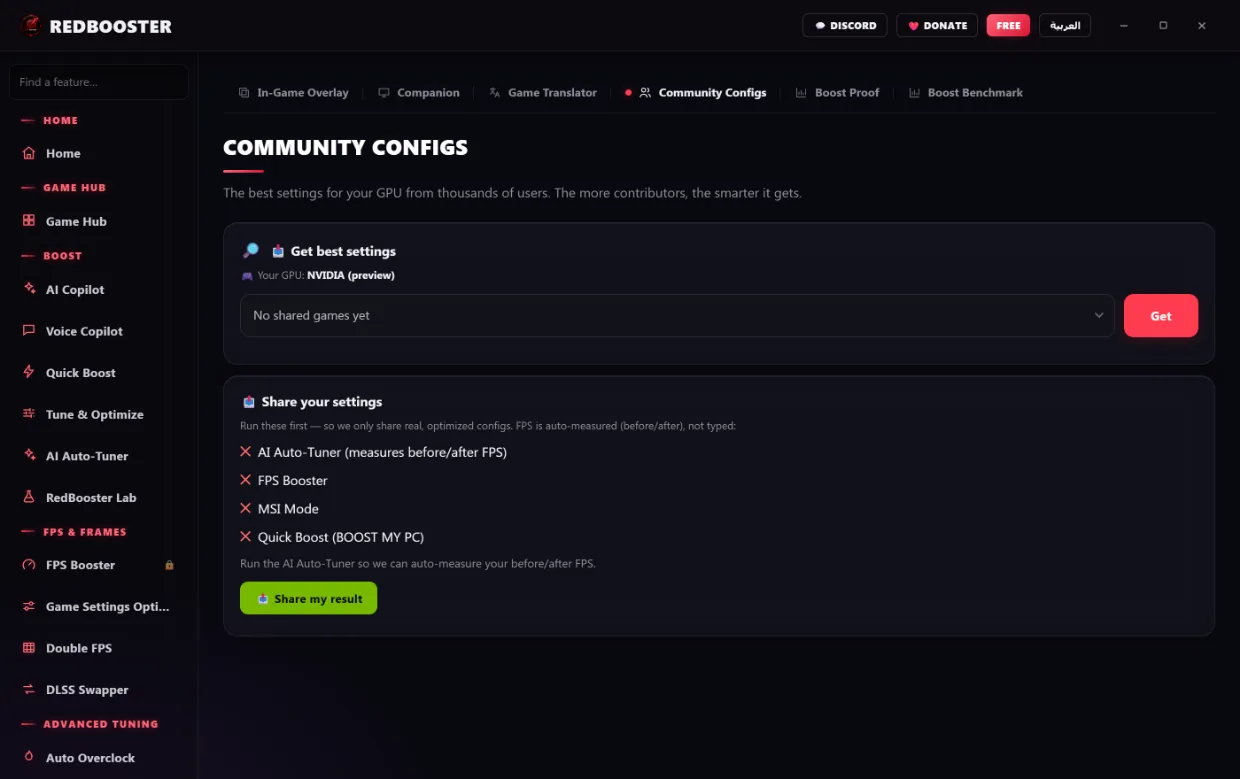
More FPS.
Nothing hidden.
76 tools that tune Windows for games — frames, latency, drivers, storage, network. Every change is reversible, from one screen, whenever you want.
All 76 screens. Look around.
Every section that ships, grouped the way the app groups them. Nothing staged.
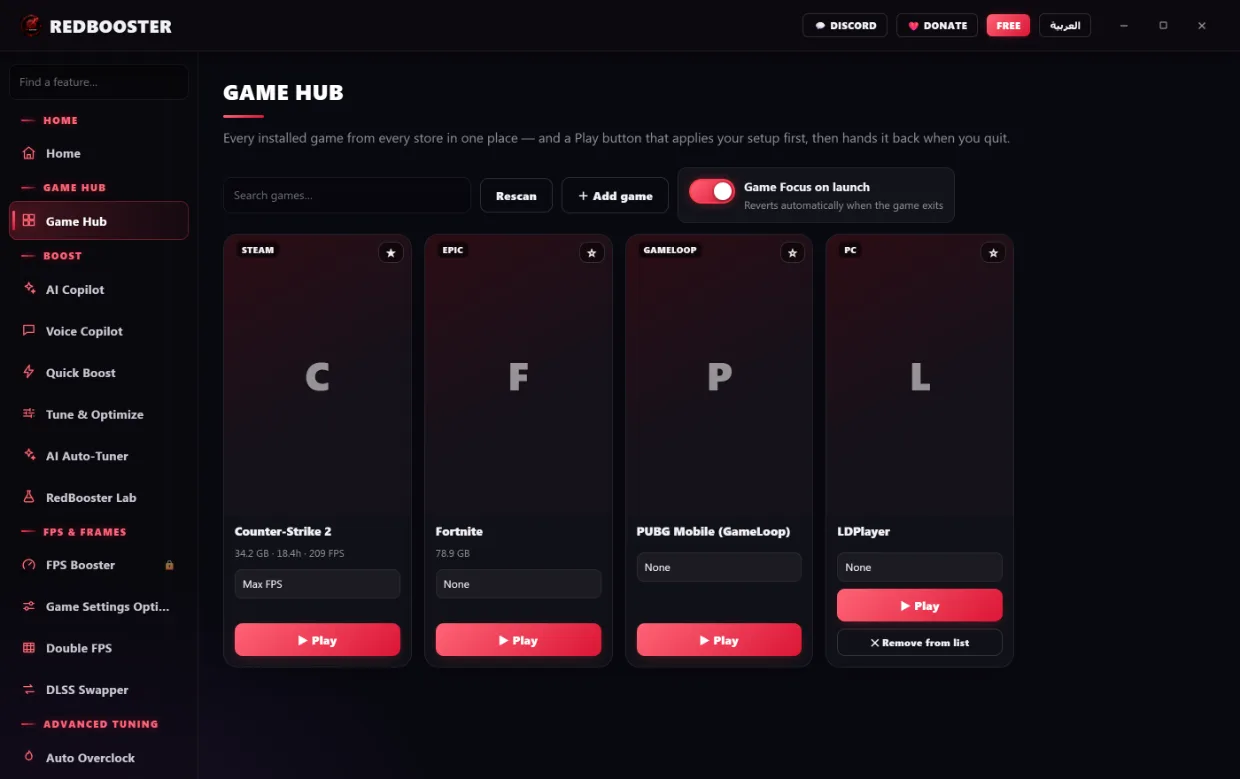
Game Hub Game Hub
Undo anything. Any time.
Most boosters change your system and leave you to live with it. RedBooster records every change it makes before it applies it.
Time Machine puts any of it back exactly as it was, one item or all of it, even weeks later. Nothing is one-way, so nothing is a gamble.
Download for Windows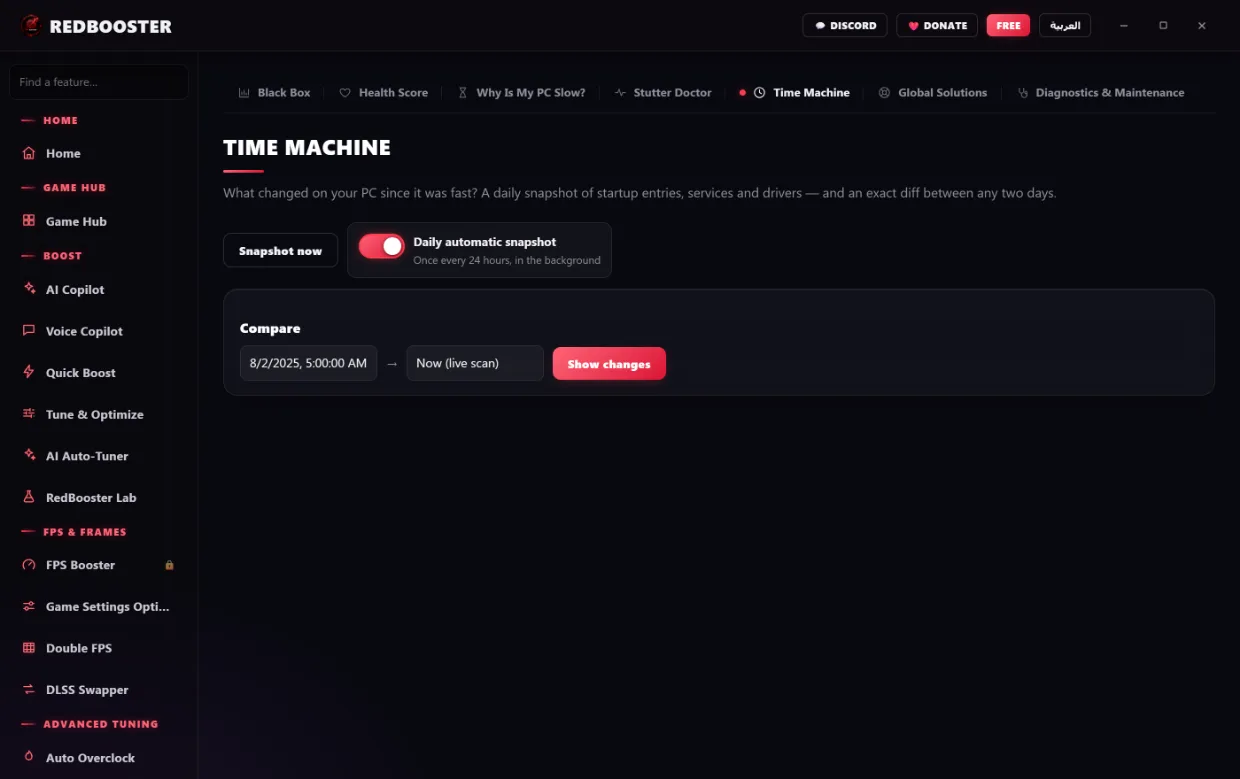
What it will not do
We will not promise you a frame-rate number — it depends on your machine, and Boost Benchmark measures your real one. Here is the rest of what RedBooster refuses to do, on purpose.
It will not chase every tweak on the internet.
Some popular “boosts” cost you frames or break sound. We test them, and the ones that hurt are left out — even the famous ones.
It will not change anything it cannot undo.
Every system change is recorded before it is applied, and Time Machine puts any of it back. Edited files keep a backup of how they started.
It will not run in the background.
No service, no tray daemon, no scheduled task. Close RedBooster and nothing of ours is left running on your PC.
It will not invent a reading.
When a sensor or a value is not available, the app says so plainly. It never shows a plausible-looking number in place of one it does not have.
It will not take a command from the internet.
AI Copilot, Voice Copilot and the phone Companion send a key from a fixed list that the app validates before acting. Never a command, a path or a process id.
It will not touch your anti-cheat.
RedBooster tunes Windows, not your games. It does not inject into a running game and it does not modify game files.
Every module, listed.
Not a selection of the good ones. This is the full sidebar of RedBooster 5.3.6, in both languages, exactly as it ships.
One licence. Every module.
There is no tier that unlocks half the app. The only difference between these is how long the licence runs.
- Every module unlocked
- Everything stays reversible
- Arabic and English
- Every module unlocked
- Everything stays reversible
- Arabic and English
Paid through PayPal. Your key is emailed the moment the payment clears and activates inside the app — and it lives in your account, so reinstalling Windows does not cost you the licence.
Join our Discord community
Live support, updates, free licence giveaways, and chat with thousands of other gamers.
Join Discord